BetSystemINVESTOR CENTRELet’s talk

03 / Demonstration estate

Don’t just read it.
Explore it.

Seven brands, distinct customer experiences and the same underlying platform. Open a play-credit demo or use the guided evaluation steps to see what it proves.

i

Evaluation environment. Play credits only; no cash deposits or winnings. Availability depends on the current demo configuration and feeds. Some brands share a demo tenant; isolated sessions and tenant-boundary evaluation are separate concerns.

7 demos

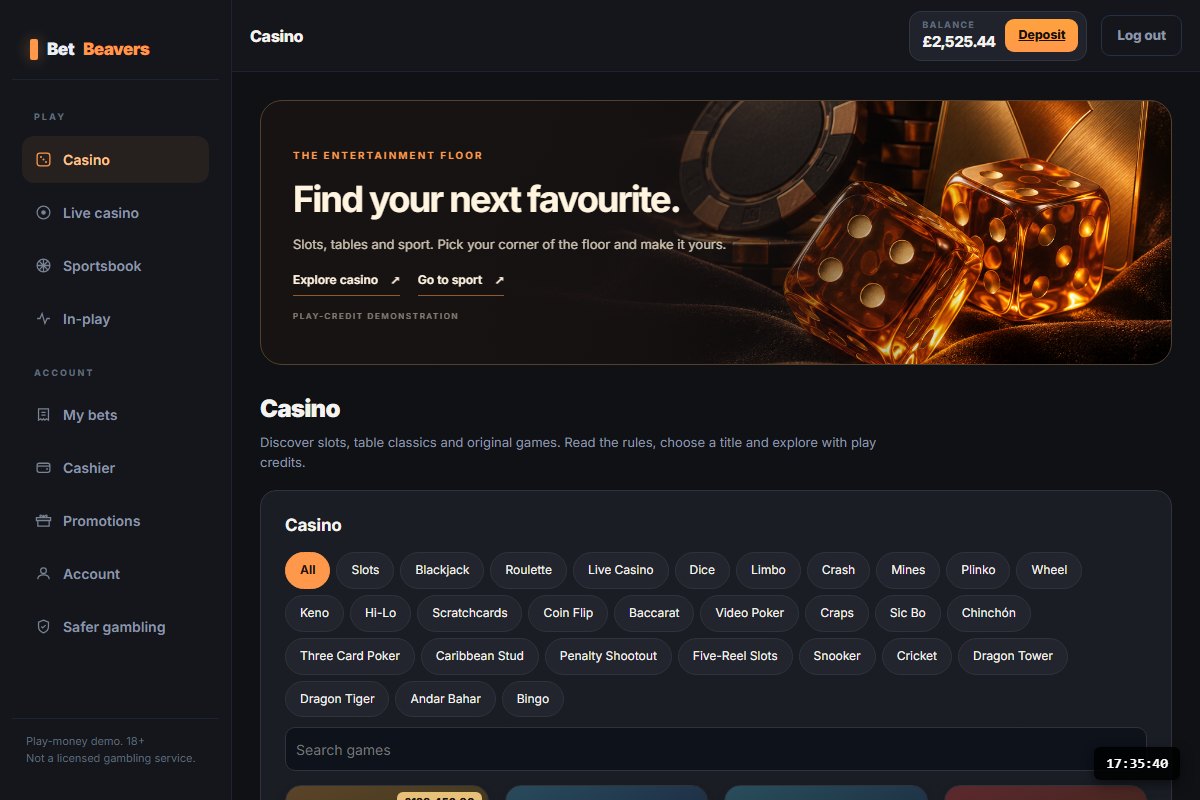
BetBeavers demonstration interfaceCasino

BetBeavers

A broad casino-led operator experience with sportsbook, promotions, account and safer-gambling surfaces.

What it demonstratesA complete product shell assembled from the widget engine.

Guided evaluation · 4 steps
  1. Create a play-credit session using the demo entry.
  2. Open the casino and play a supported title.
  3. Inspect your balance and account history.
  4. Review financial limits and safer-gambling screens.
Open BetBeavers
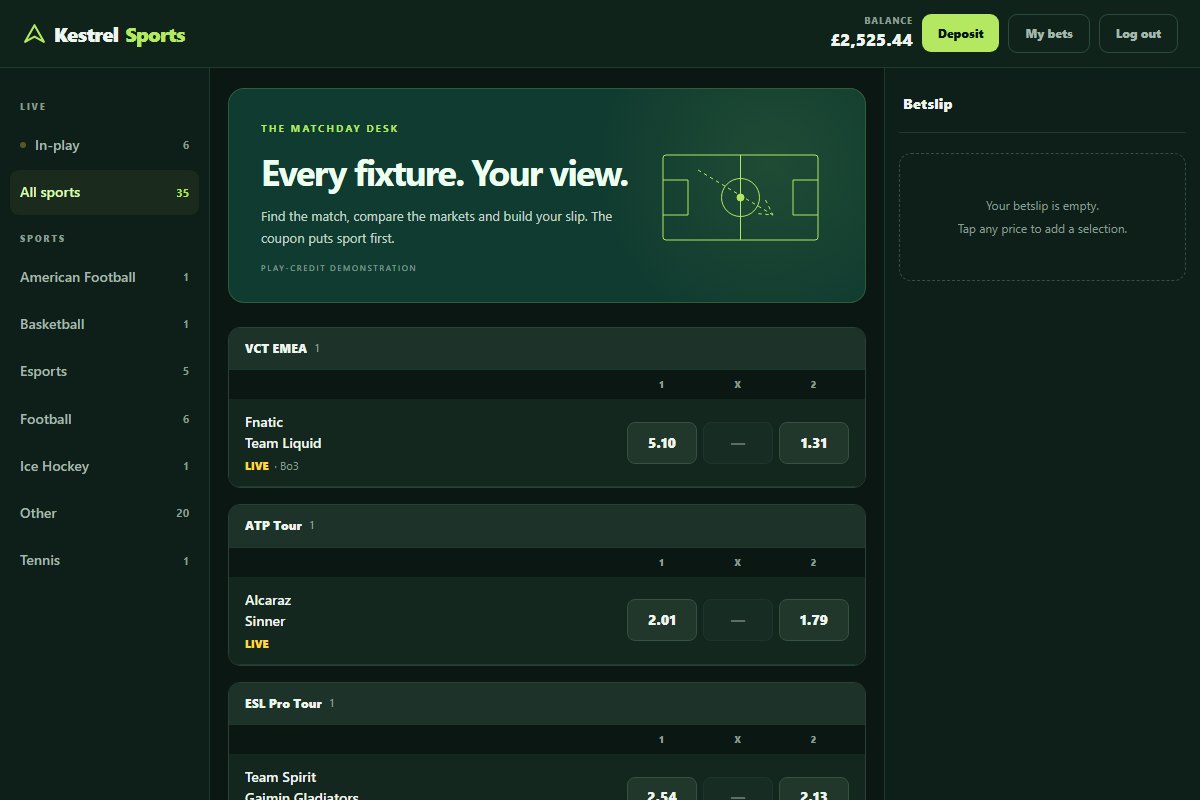
Kestrel Sports demonstration interfaceSports

Kestrel Sports

A dense sportsbook coupon and custom betslip, written directly against the public API.

What it demonstratesAn operator can replace the front end without replacing the platform.

Guided evaluation · 4 steps
  1. Explore a fixture and its available markets.
  2. Add a selection to the custom betslip.
  3. Inspect the quoted price and play-credit stake.
  4. Compare the layout with the casino-led brand.
Open Kestrel Sports
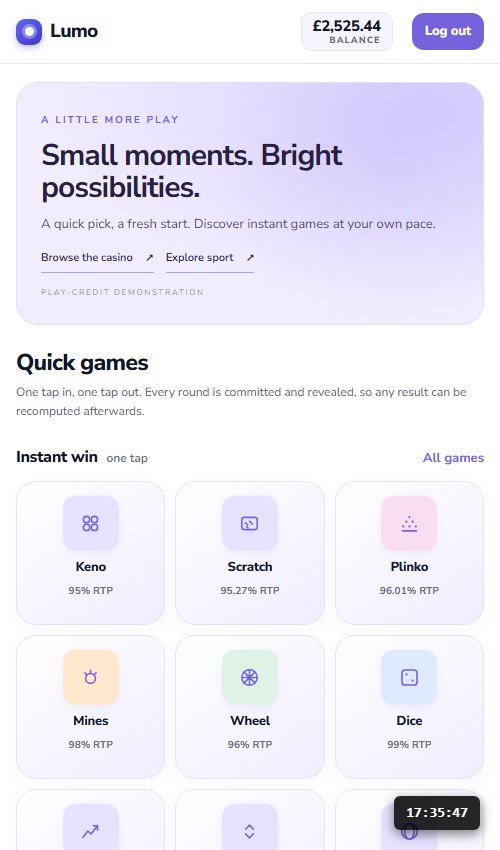
Lumo demonstration interfaceMobile

Lumo

A light, mobile-first instant-win experience with compact navigation and quick-play games.

What it demonstratesA different customer journey using the same underlying platform.

Guided evaluation · 4 steps
  1. Open the demo on a phone or narrow browser.
  2. Start a personal play-credit session.
  3. Try an instant-win title and inspect its rules.
  4. Compare the presentation with Ludgate.
Open Lumo
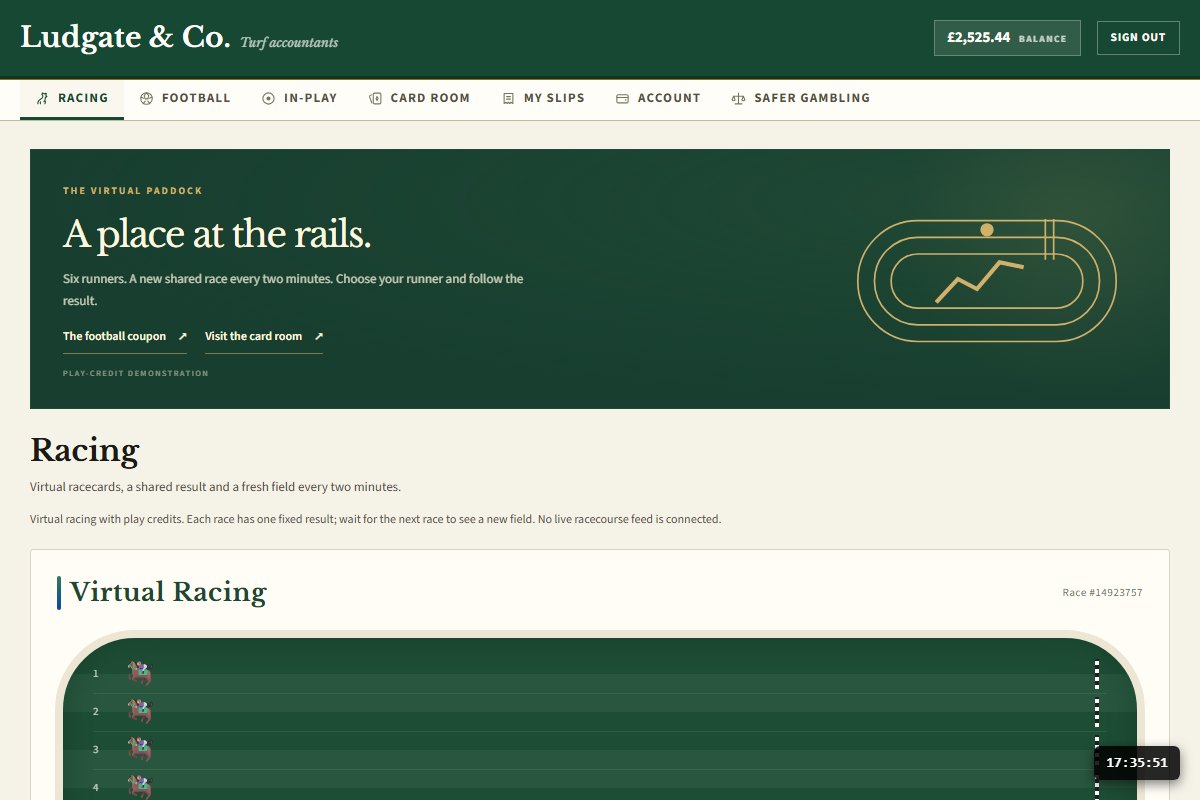
Ludgate & Co. demonstration interfaceSports

Ludgate & Co.

A traditional bookmaker presentation: racing green, ivory, serif headings and racecard-oriented navigation.

What it demonstratesThe same classic preset as Lumo with a fundamentally different visual identity.

Guided evaluation · 4 steps
  1. Explore the racing-led navigation.
  2. Read the virtual-racing disclosure.
  3. Inspect the coupon and betting journey.
  4. Compare the shared account controls with Lumo.
Open Ludgate & Co.
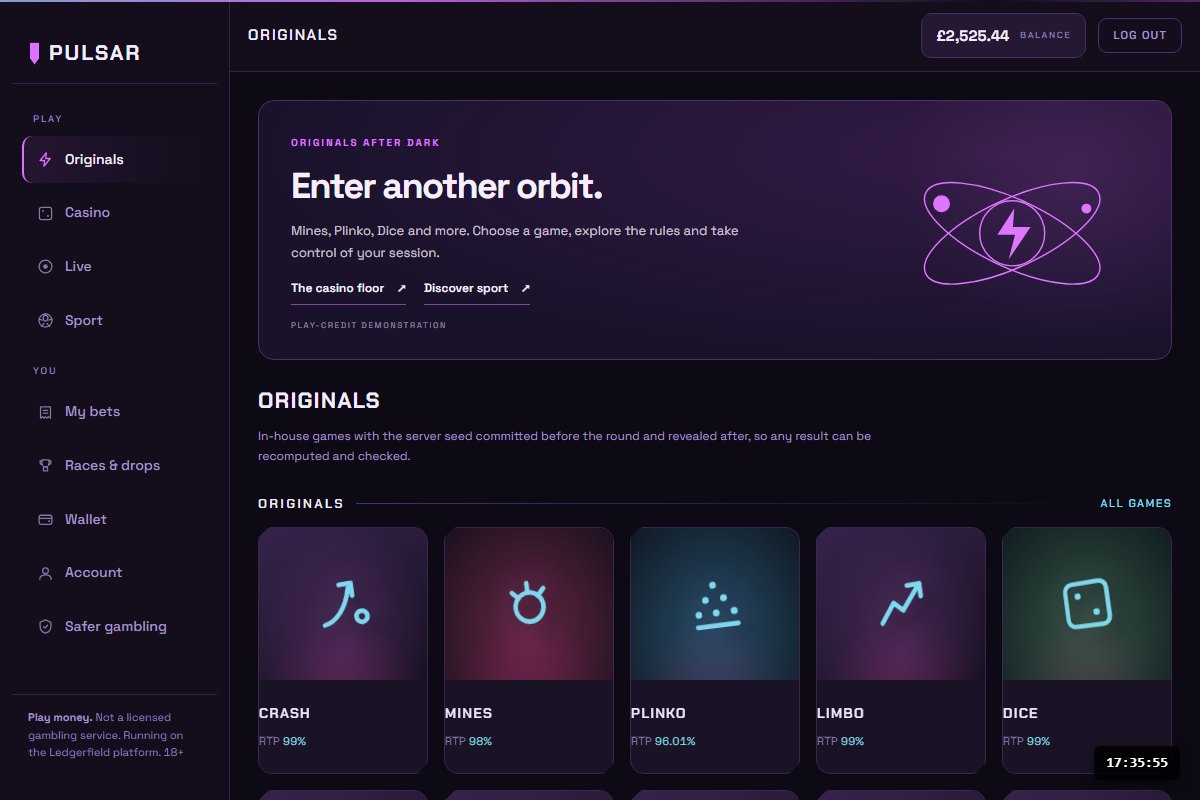
Pulsar demonstration interfaceCasino

Pulsar

An originals-led presentation with a vivid neon identity, compact game discovery and dark interface.

What it demonstratesA distinct product emphasis using the existing neon preset.

Guided evaluation · 4 steps
  1. Explore the originals-first landing view.
  2. Open a supported title.
  3. Inspect the game rules and return disclosure.
  4. Follow the balance and account journey.
Open Pulsar
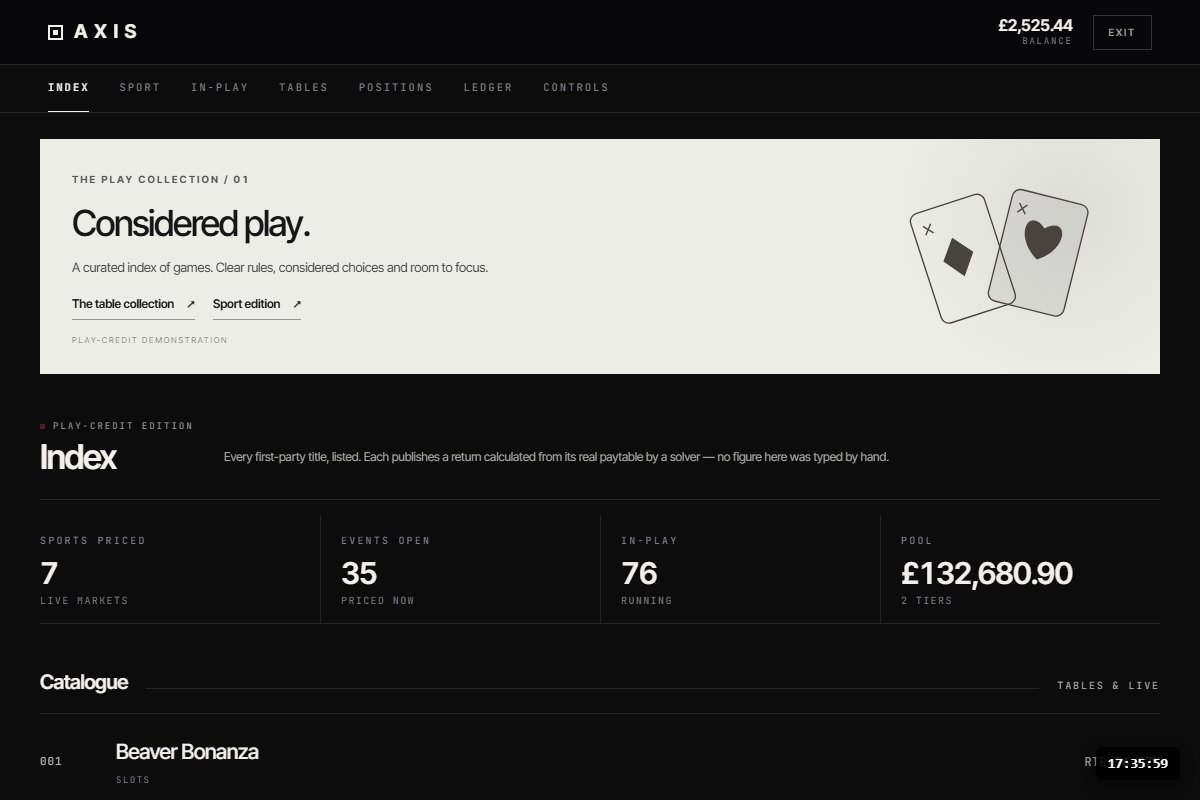
AXIS demonstration interfaceEditorial

AXIS

A monochrome gaming brand built around a numbered catalogue rather than the usual tile wall.

What it demonstratesThe front-end system can support a different information hierarchy.

Guided evaluation · 4 steps
  1. Explore the numbered game catalogue.
  2. Inspect the category and return information.
  3. Open a title in a play-credit session.
  4. Compare navigation and hierarchy with BetBeavers.
Open AXIS
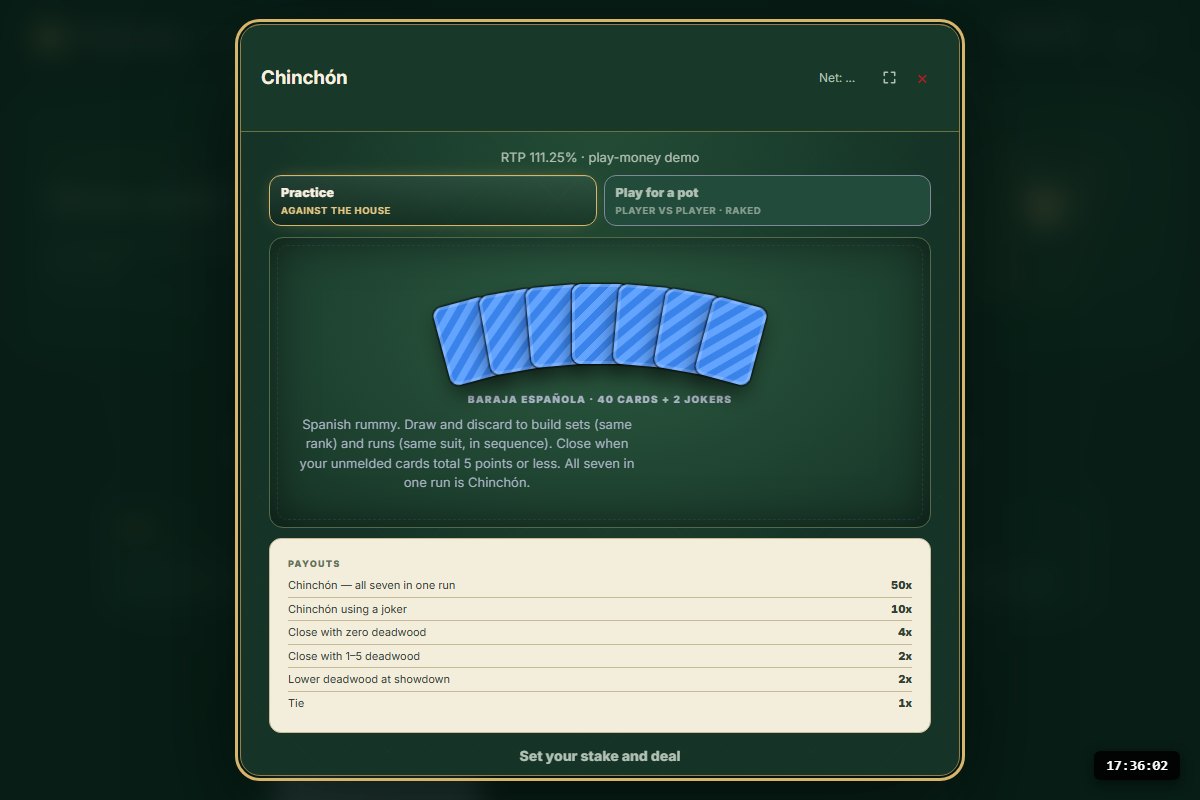
Chinchón demonstration interfaceSingle title

Chinchón

A focused Spanish rummy table with a two-player journey rather than a sportsbook or casino lobby.

What it demonstratesThe platform can support a single-title experience.

Guided evaluation · 4 steps
  1. Read the table rules and play-credit disclosures.
  2. Join a table with a second demo participant.
  3. Explore the card interaction and round flow.
  4. Ask for a guided recovery and settlement walkthrough.
Open Chinchón

A ten-minute evaluation

The demonstration
that answers real questions.

  1. 02 MIN

    See two contrasting brands

    Open Lumo and Ludgate to understand presentation flexibility.

  2. 03 MIN

    Try the player journey

    Use play credits, open a game and inspect account history.

  3. 03 MIN

    Review the launch gates

    Read the assurance and roadmap pages to see what capital unlocks.

  4. 02 MIN

    Discuss the first deployment

    Ask for the prospective operator scope, evidence and quoted funding milestone.

Customer-specific demonstrations

A real brief.
A better demo.

Capture the customer, experience and workflow before choosing a skin. This creates a proposed demo brief; it does not provision a tenant or commit the team to deliver unapproved features.

Journeys to demonstrate

Processed in this browser. Nothing is sent or stored by this site.

Observe it now

A live API check.
With the context attached.

Three unauthenticated reads measure the round trip from your browser to public demo endpoints. Includes your network, DNS/TLS where applicable and server response; it does not isolate engine time or establish throughput, uptime or a service guarantee.

No check run yet. Requests happen only when you choose to run it.

Help take the engine to market

The foundation is built.
Be part of what comes next.

Explore the working engine, meet the team and discuss the investment that advances independent testing and first customer deployments. Bring your questions; we’ll show you the product behind the proposition.